


How to enable RCS chats on Pixel & Glide Typing
Say it your way with Pixel.
- Reply in the moment with Glide Typing, voice typing, and Google Translate
- Make chats creative with custom stickers, photo remixes, and playful visuals from Gemini1
- Keep group chats on track with named threads, read receipts, typing indicators, and more
Messaging between Android and iPhone® users leveled up with
® – a step that made blurry videos, delivery status questions, and clunky group chats ancient history. But that was just the beginning.Messaging across platforms is now more personal thanks to intelligent tools on Pixel. Answer fast with Gboard features like Glide Typing, voice typing, and Translate. Or add personality with remixed photos in Google Messages, and custom stickers and playful visuals you can add right from your keyboard.
On Pixel, you can type, create, and send without ever leaving the messaging window, so it’s simple to make your messages even more you.
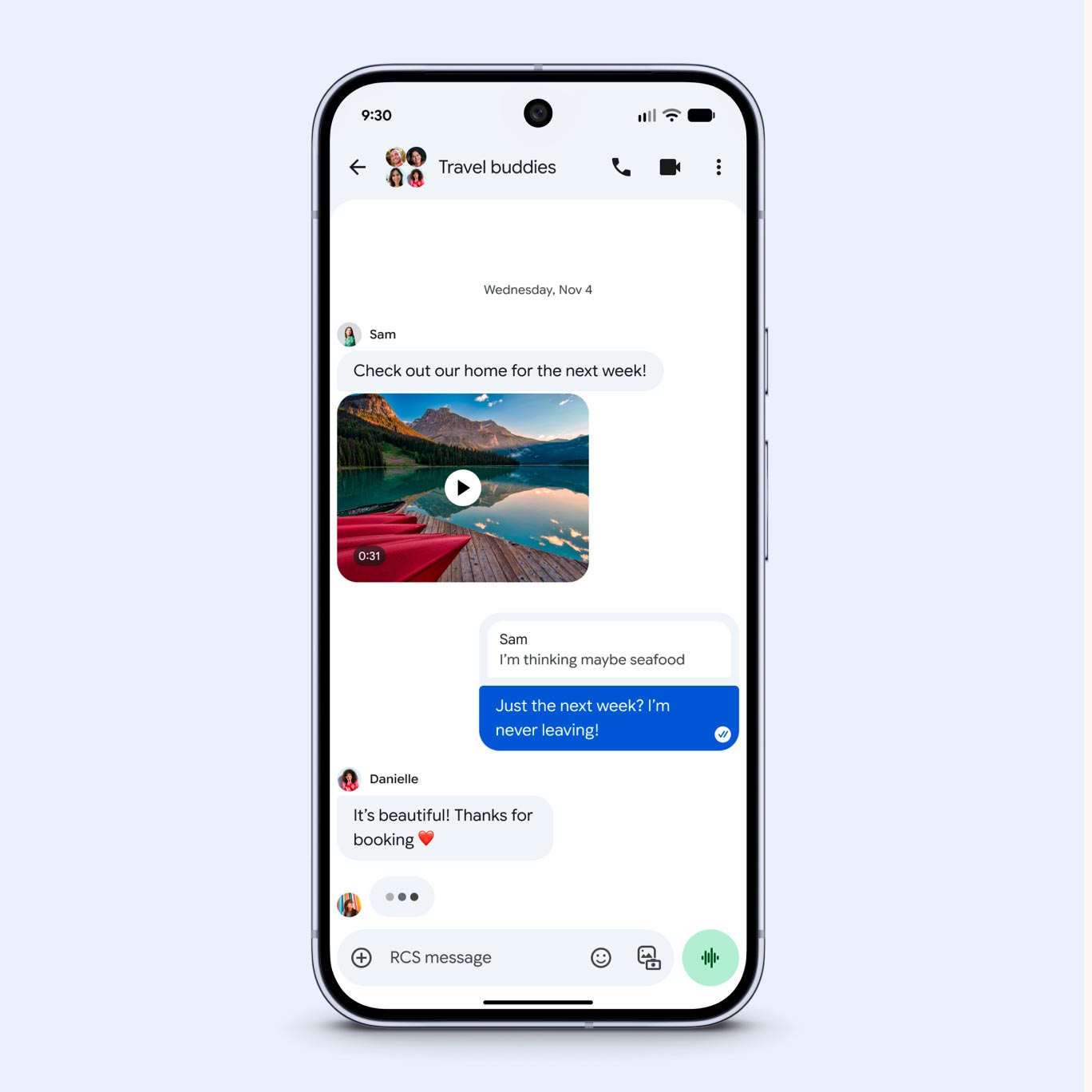
What does RCS mean? Rich Communication Services is the messaging standard for text and media. Previously, using SMS (Short Message Service) and MMS (Multimedia Messaging Service) often meant low-quality videos and blurry pics when sharing across leading smartphone platforms. But with RCS messaging, you can share your daughter’s dance recital video or receive vacation photos from your relatives abroad, all in high definition – even if you have an Android and your aunt has an iPhone. Plus, you can enjoy more transparency with read receipts and typing indicators that help you confirm your aunt got the pic.
With Pixel, there’s even more to like about RCS. Whether you’re texting fellow Android users or people with a mix of Android and Apple phones, everyone can now enjoy enhanced group chats. Plan your bowling league with ease in a streamlined group chat that now includes naming functions and expressive emoji reactions. When you need to adjust for a mid-season roster update, easily add or remove people from the “Pin Pals League” chat.
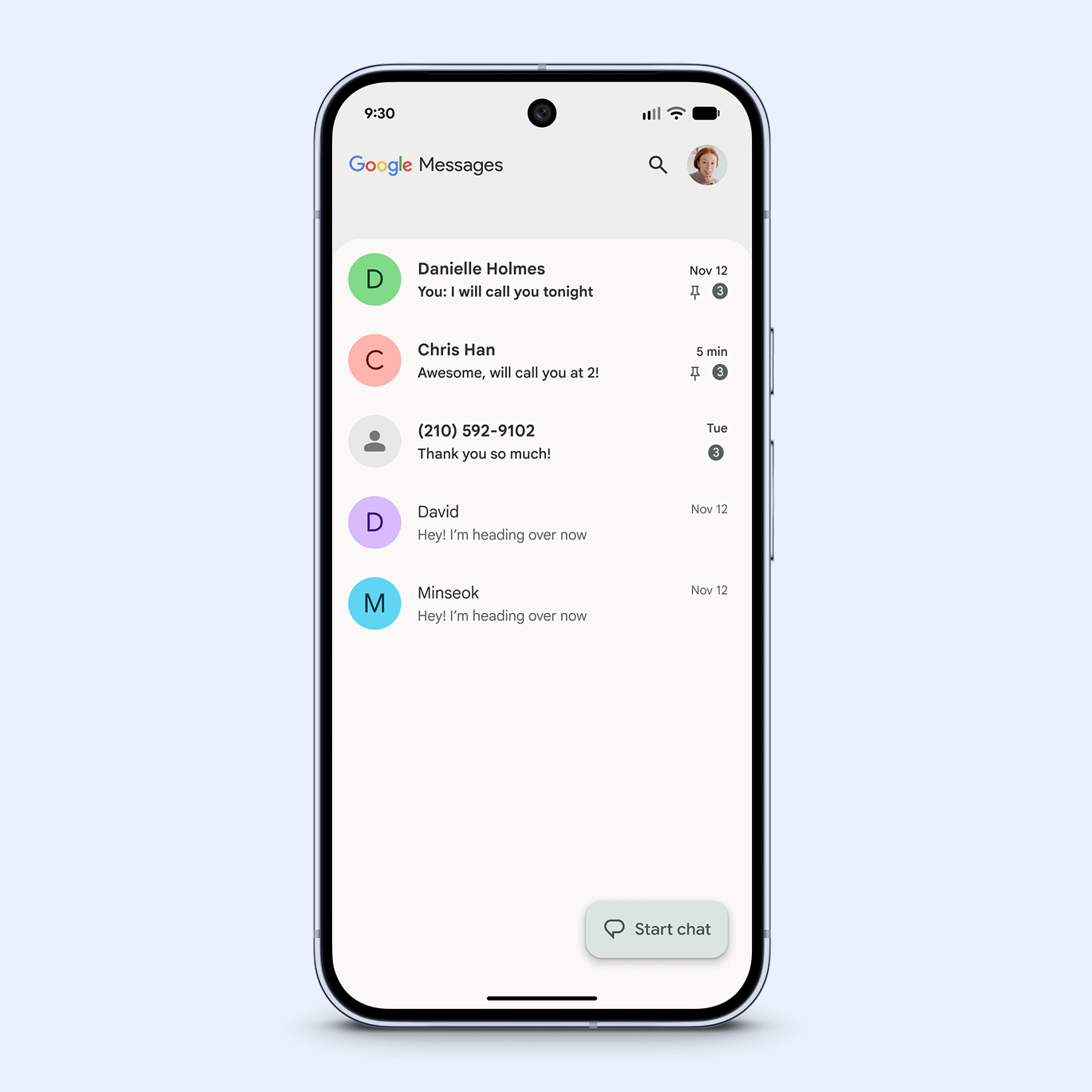
Keep chats even more organized by pinning your most-used groups to the top, then color-coding. Make “Carpool” blue, “Besties” green, and “Pin Pals League” orange so you can find the right thread fast.

A keyboard with superpowers
A keyboard with superpowers
When you see a text and need to reply fast, Pixel helps with Gboard’s swipe typing, voice typing, and built-in Translate.
Need to respond to an urgent request for an “ETA on the bagels?” Text “5 minutes away” with one hand while carrying the catering order in the other when you use Glide Typing, which lets you swipe through letters to compose words quickly. For a fully hands-free option, there’s advanced voice typing. Create a text message, complete with punctuation and emoji, by talking naturally – Pixel will keep up. You can even give edit commands to perfect your message before sending.
And when you’re connecting with international coworkers and need to bridge language gaps, there’s Gboard Translate, which translates as you type.
When you have a minute to add more flair, drop a GIF, emoji, or sticker that enhances your chat. Maybe your brother just texted that he got a promotion. Smart suggestions make it easier to find a celebratory sticker, so it’s quick and easy to personalize a message right in the thread.
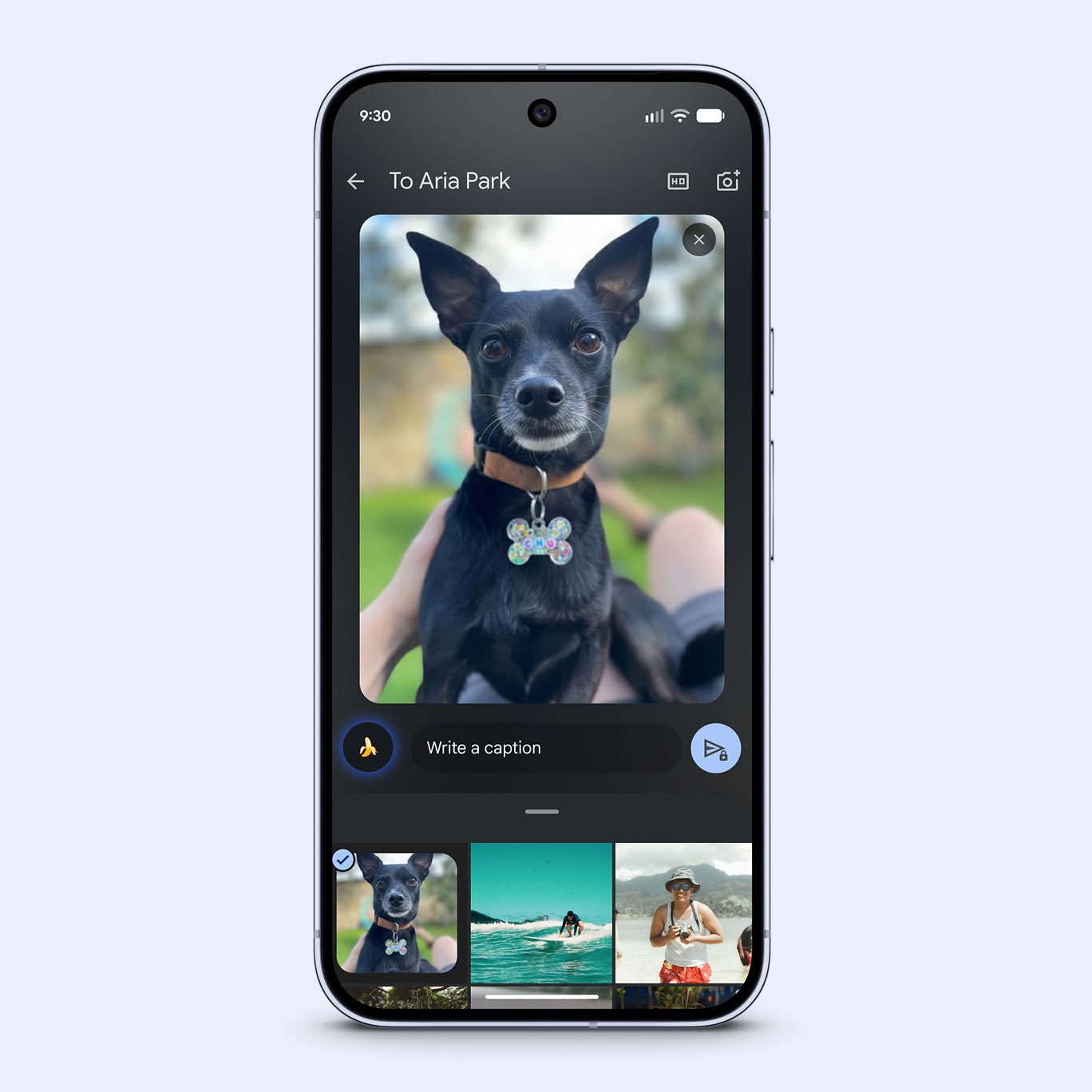
Turn a simple text into a custom sticker right from your keyboard – no need to switch apps. Simply tap, create, and send. You can jazz up your photos before you share them with Remix in Google Messages, which uses
, Google’s Gemini image model. Just select a photo from your gallery and tap Remix to reimagine it. Or you can even edit a photo a friend sent you by long-pressing it. For example, that prom pic you like can become a graduation announcement in just a few minutes. Just add confetti and a date, then share.Share more the way you want to with Gboard and Gemini – built in and ready for quick, creative conversations.
Related products


Read on

Texting between iPhone and Pixel devices just got a whole lot better with RCS messaging.

Your Pixel is a creative partner that brings your ideas to life.

What you need to know about switching to Pixel.
