Google Pixel 8a: Powerful and AI-full - Google Store


The AI-mazingPixel Camera.
Group pics the whole group loves.
Make distracting sounds disappear.
Make distracting sounds disappear.
Stunning photos when it’s dark, from city lights to starry skies.
Stunning photos when it’s dark, from city lights to starry skies.

Beautifully authentic skin tones, in photos and videos.
Beautifully authentic skin tones, in photos and videos.
Super sharp close-ups from super far away.
Super sharp close-ups from super far away.
To-dos, ta-done.


The best of Google services come with your new Pixel.


Switch to Google AI for stunning photos and more help throughout your day.
Carry over all your contacts, messages, and more in about 30 minutes.,
Carry over all your contacts, messages, and more in about 30 minutes.,

Your favorite Google apps are built in. You’ll get the latest updates first and free.
Your favorite Google apps are built in. You’ll get the latest updates first and free.

Get crystal clear calls, and fix photos from your old iPhone or Android device.
Get crystal clear calls, and fix photos from your old iPhone or Android device.
Which Pixel is right for you?
 |  |  |
Pixel 8a Pixel 8a Pixel 8 Pixel 8 Pro Pixel 7 Pro Pixel 7 Pixel 7a Pixel 6a | Pixel 8 Pixel 8a Pixel 8 Pixel 8 Pro Pixel 7 Pro Pixel 7 Pixel 7a Pixel 6a | Pixel 8 Pro Pixel 8a Pixel 8 Pixel 8 Pro Pixel 7 Pro Pixel 7 Pixel 7a Pixel 6a |
Delightful. Powerful. AI-full. | Powerful in every way. Helpful every day. | The best of Google. Even more pro. |
| ||
 Actua display 60 - 120 Hz Up to 1400 nits (HDR) and up to 2000 nits (peak brightness) |  Actua display 60 - 120 Hz Up to 1400 nits (HDR) and up to 2000 nits (peak brightness) |  Super Actua display 1 - 120 Hz Up to 1600 nits (HDR) and up to 2400 nits (peak brightness) |
| ||
 Dual rear camera system: Wide lens, ultrawide lens Super res zoom up to 8x - | Dual rear camera system: Wide lens, ultrawide lens Super res zoom up to 8x Macro Focus |  Triple rear camera system: Wide lens, ultrawide lens, telephoto lens Super res zoom up to 30x Macro Focus |
| ||
 Google Tensor G3 | Google Tensor G3 | Google Tensor G3 |
| ||
 | |  |
| ||
 24+ hour battery life Wireless charging - 4492 mAh | 24+ hour battery life Fast wireless charging Battery Share 4575 mAh | 24+ hour battery life Fast wireless charging Battery Share 5050 mAh |
| ||
IP67 | IP68 | IP68 |
| ||
7 years of OS, security, and Feature Drop updates | 7 years of OS, security, and Feature Drop updates | 7 years of OS, security, and Feature Drop updates |
More from the Pixel portfolio.
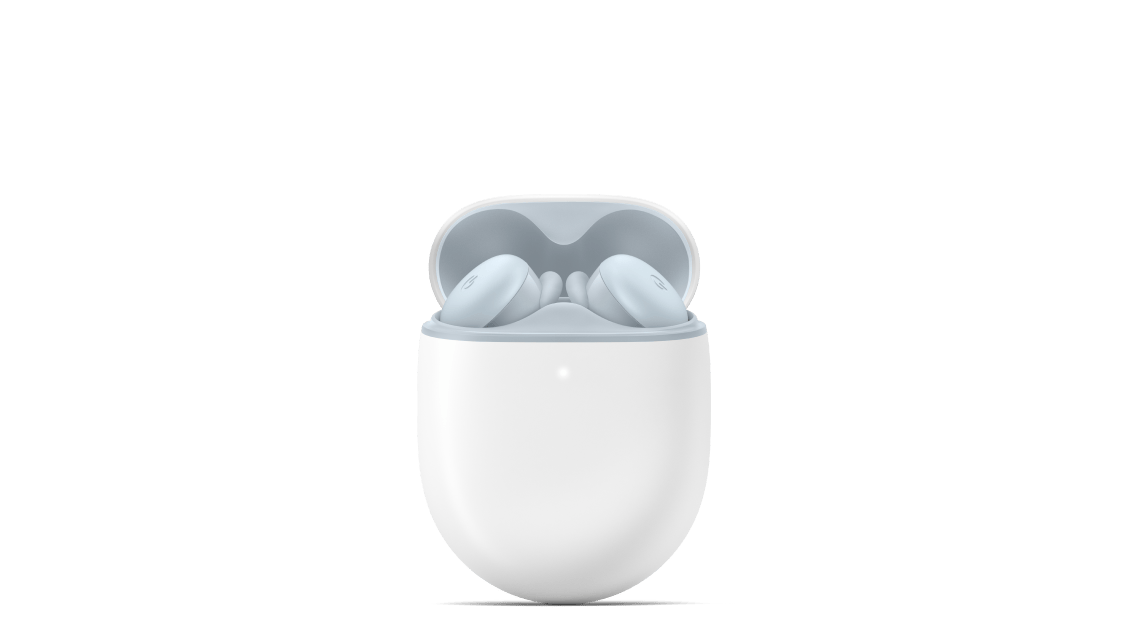

More from the Pixel portfolio.
Add a little extra help.

Add a little extra help.
Shop with confidence on Google Store.


Frequently asked questions.
What is an unlocked phone?
An unlocked phone is a phone that isn’t tied to a specific carrier. When you purchase an unlocked Pixel phone, you get to choose which carrier or plan works best for you. Most phones in the Google Store come unlocked.
Important: Pixel phones work with all major carriers. But not all Pixel 4a (5G) and later phones have 5G functionality on all 5G networks. See a list of certified carriers to make sure your phone works on its 5G network.
To use a SIM-unlocked phone:
1. Buy an unlocked Pixel phone from the Google Store.
2. Contact a mobile carrier.
3. Follow their instructions to set up your phone with their service plan.
What is eSIM?
eSIM technology allows you to add a cellular plan to your Pixel 8a, without using a physical SIM card. Pixel 8a will arrive ready to activate with eSIM. You will need a Wi-Fi connection for setup.
If you choose to connect to a carrier after you buy your Pixel 8a, you will need to contact your carrier to activate with an eSIM.
Does Pixel 8a have 5G network compatibility?
What is included in the Pixel 8a box?
How does the Google Store exchange program work?
Our exchange program with Cashify makes it easy to get the latest Google Pixel phones. You can exchange Google Pixel phones and phones from most other manufacturers. How much you will get for your exchange depends on the model, manufacturer, and condition of your phone. If your old device is eligible, you’ll receive a refund via Netbanking or UPI once Cashify inspects your old device.
When you order a new Pixel, you’ll get an estimate for your old device. After your new Pixel device arrives, you will be notified to set up an exchange appointment with Cashify. A Cashify representative will then collect your old device and send payment after inspection during the appointment (the amount may be adjusted). Learn more about the Google Store exchange program.